





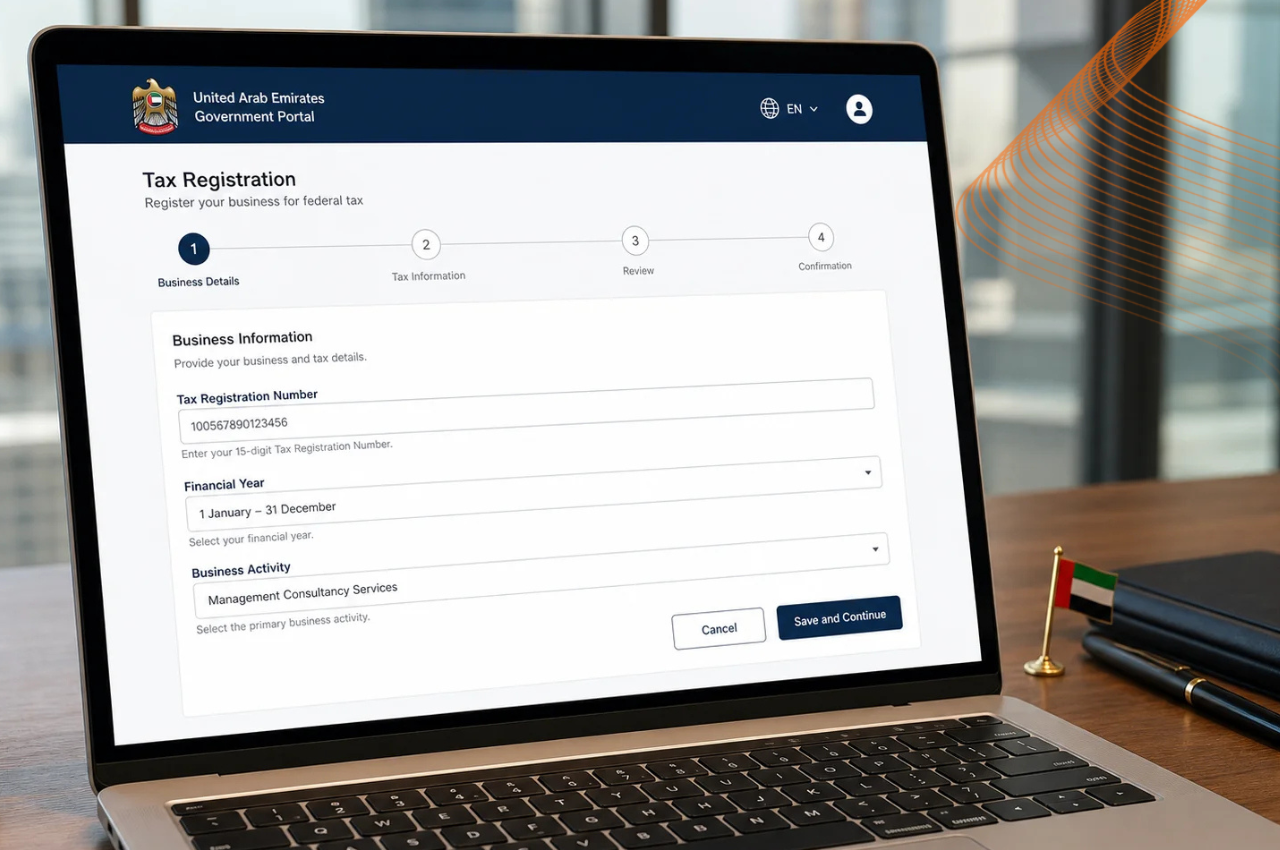
Digital transformation has made UAE tax administration very easy. As a business owner or accountant or a freelancer who wants to manage their obligations, the first thing you need to do is to know how to log into the EmaraTax portal. The era of complex and cumbersome paperwork and long lines is over. The Federal Tax Authority has simplified all of this and today put it into one simple platform that is easy to use.
If you’re about to file quarterly returns, or just keeping an eye on your tax ledger, you’ll want to know how to log in so you can avoid time and frustration. Let’s take a stroll through all things you need to know to access your account in a smooth, secure and hassle-free manner.
Understanding the EmaraTax Ecosystem and Digital Access
Before you get into the technicalities, it’s important to know what this platform is and why it is important to access it with security. This digital infrastructure is implemented by the Federal Tax Authority for performing all excise tax, corporate tax and VAT related procedures in a unified place.
Accessing your EmaraTax portal login calls for powerful authentication to safeguard delicate monetary and company information. Due to the UAE’s initiatives to prioritize cybersecurity and paperless digital governance, national digital identity systems are embedded in government systems directly in government portals. This eliminates the need to remember dozens of different government service usernames and passwords.
Step-by-Step Guide: How to Login to EmaraTax Portal Using UAE PASS
The national digital identity is by far the quickest and most secure way to access your tax profiles. With your smartphone and your digital ID, you can log in to your account in under a minute. The exact step-by-step approach for going into your EmaraTax portal:
- Access the official portal: Go to your preferred web browser and enter directly to the official Federal Tax Authority e-services website.
- Select login method: You will see the login screen, and from the most visible option, log in with your national digital identity application.
- Input your registered details: Enter your Emirates ID number, registered mobile phone number, or email address associated with your digital credentials.
- Confirm the mobile notification: Open the security application on your mobile device, check the pending authentication request and accept the security validation using the biometric scan or secure PIN.
- Land on your dashboard: Once approved on your mobile device, your desktop browser will refresh automatically, landing you straight onto your main account management screen.
Alternative Login Options and Registration Steps
If you’re not sure whether there are other ways to get in if your mobile device doesn’t have enough battery or if you’re creating an account for the first time, read on. National digital identity integration is very encouraged, but it is important to know all the paths in order to navigate the system.
Can You Access the Platform Without Digital ID Integration?
For most active users, the general use of the primary digital ID app is recommended. Older profile holders who signed up first, though, can frequently get into with their old username/password combinations. Remember the direction of the regulations is moving towards a single national login for additional security in all public sector channels.
Setting Up a Brand New Account
If you’re a brand-new user, you’ll need to do some initial checks before creating your credentials. Ensure that you have your trade license, Emirates ID and details of your authorised signatories available. After the initial registration wizard in the platform, the profile will be permanently connected so that further entries will be easy.
Troubleshooting Common Access Errors
Despite having strong digital systems in place, there are times when things go wrong. The typical causes of a session failure are usually responsible for the problem if you are looking at an error screen or are unsure of why your session has failed.
What to Do When Your Authentication Fails
If you don’t get your mobile authorization request on your mobile device, inspect your internet connection on your computer and phone. If there is pending caching problem, sometimes restarting the authentication app with a close & reopen will do the trick. Most background communication bugs have been solved by ensuring your app is updated to the latest version.
Resolving Password and Credential Roadblocks
If you aren’t using the mobile app, and you can’t sign in, check for the automated recovery link at the sign-in page. You’ll be sent a secure verification code by your registered email or phone number, so you can easily reset your credentials in a safe and secure way in minutes.
Frequently Asked Questions
Q1. Is the national digital identity mandatory for accessing tax services?
A1. It is strongly recommended to use the unified digital identity application for all government portals as it offers the most secure processes, although legacy accounts may have other alternatives.
Q2. What should I do if my browser freezes during authentication?
A2. Delete the cookies from your browser and launch another incognito window and repeat the EmaraTax portal logon process. This typically removes any “session cookies”.
Q3. Can I manage multiple corporate entities from a single profile?
A3. Absolutely, after you’ve successfully logged in to your dashboard, you can take a turn between various taxable persons, and corporate entities connected to your authorised profile credentials.
Q4. What should I do if my digital identity account level prevents me from submitting tax returns?
A4. Ensure that your account level is fully upgraded. If your digital identity profile is restricted to a basic tier rather than a verified signature level, certain sensitive actions like filing corporate or VAT returns on the portal may be temporarily restricted until you complete full biometric verification through an authorized kiosk or online bank linkage.
Take Control of Your Corporate Tax Compliance Today
Tax obligations and VAT returns for your company do not need to be a daunting task. As you master your EmaraTax portal login, you ensure that your business remains fully compliant, audit ready and on top of all the regional regulatory deadlines.
Looking to simplify financial processes and keep up with corporate changes in the Emirates? Start exploring more expert guides, regulatory updates and deep-dive analyses, right here on Dubai Key Insights today.